Find Your Perfect Shade with Findation
Finding the right foundation shade doesn't have to be complicated! With Findation™, you can easily discover which shade from the JOAH K-Beauty collection best matches your skin tone.
Findation has one of the world's largest databases for comparing foundation shades. By entering a foundation and shade you already use, the tool helps you find a similar match within the JOAH collection.
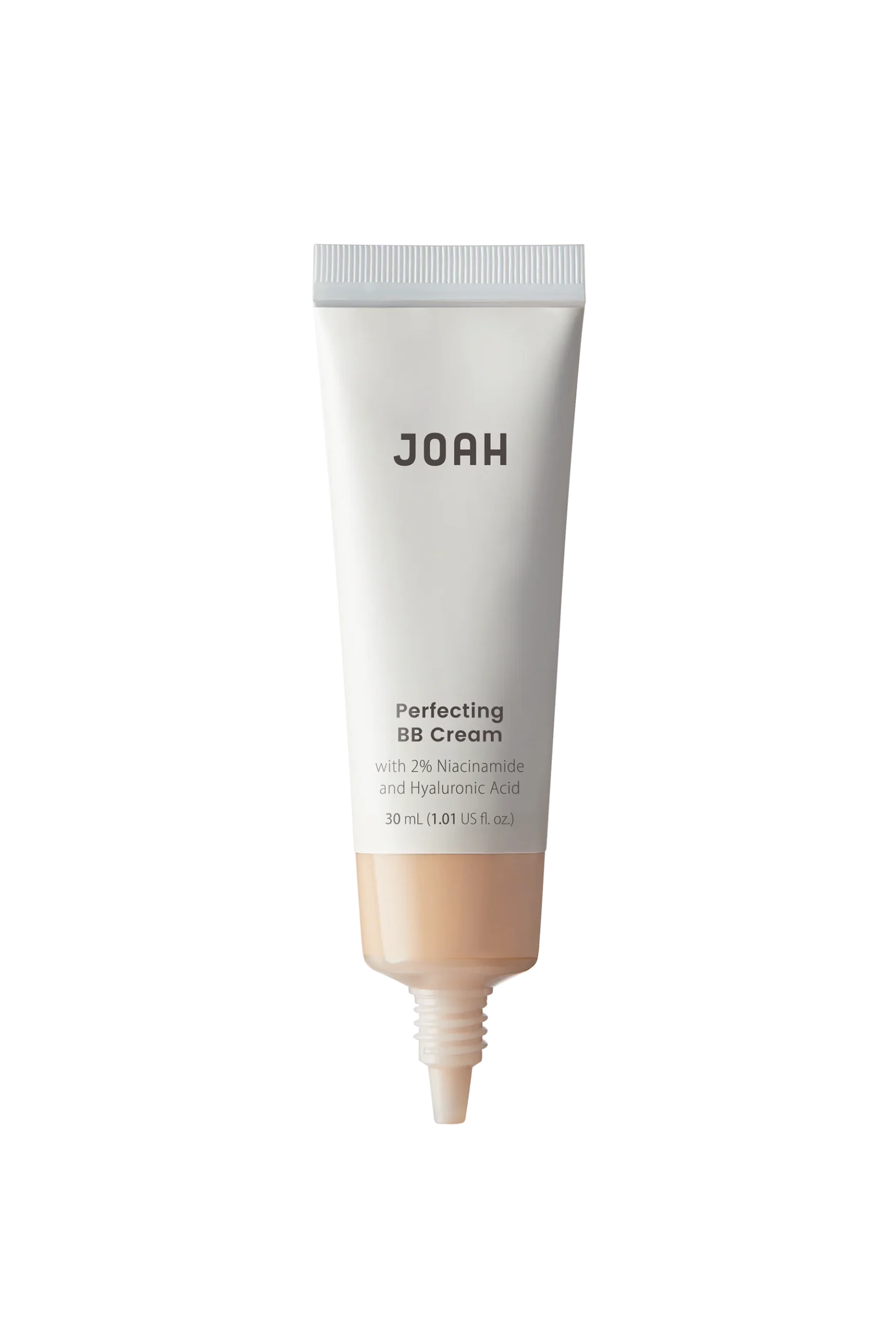
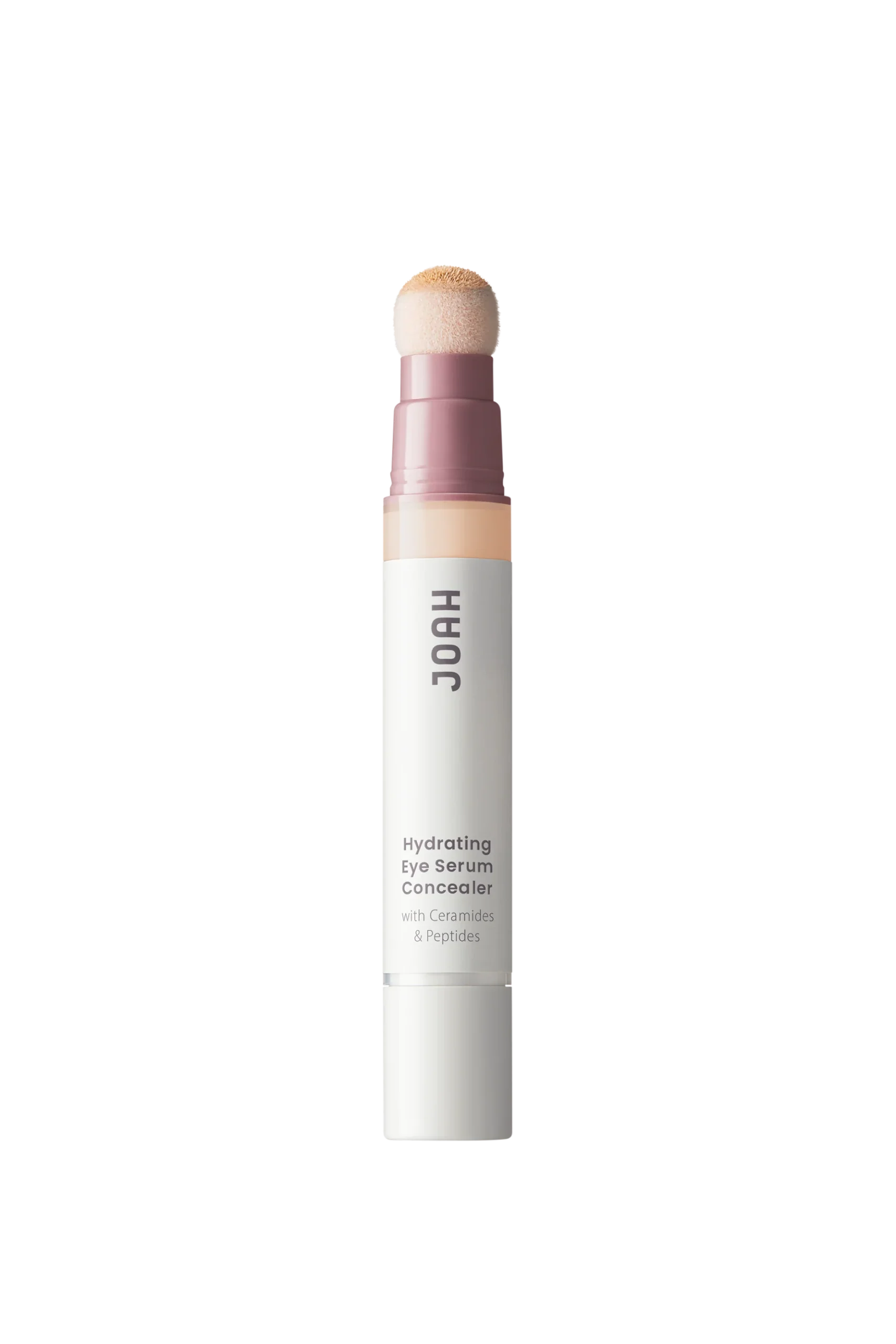
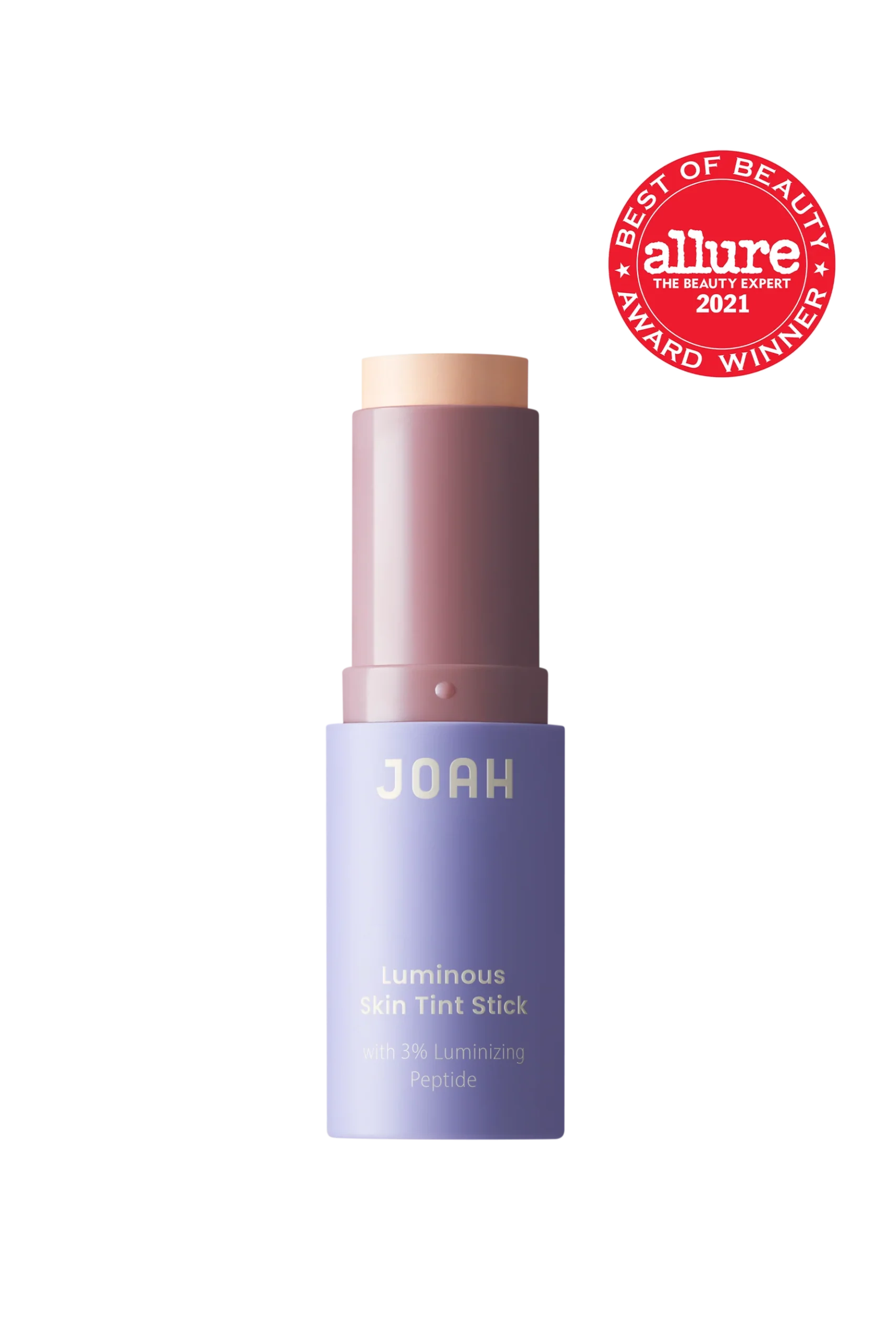
How Does Find My Shade Work?
Not sure which JOAH shade is the best match for your skin tone? With the official Findation shade-matching tool, you can easily find a similar shade based on a foundation you already use.
Explore the available shades of the three JOAH products above. Click on the shade swatches to view the different colors.
Want to find your perfect match? Click FIND YOUR SHADE VIA MEAMORA under your chosen product. You will be redirected to the official MeAmora product page. Once there, click Find My Shade, select the brand, product, and shade of your current foundation, and discover which JOAH shade is the best match for you.
Good to know: Deborahscheepers.com is an independent information platform and does not sell products directly. The links to MeAmora contain the personal referral code of Jen, an independent MeAmora representative. By visiting the website through these links, you can support her.
Step 1: Open Find My Shade
Click 'FIND YOUR SHADE VIA MEAMORA' under your chosen JOAH product. Then, on the MeAmora product page, look for the 'Find my shade' button and click on it.

Step 2: The Findation Window Appears
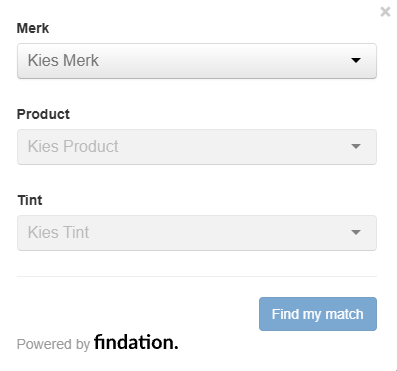
After clicking 'Find my shade', a Findation pop-up window will appear, as shown in the image.
At the top, you'll see the question 'What shade have you used before?'
In this window, you can enter the foundation and shade you already use. Findation uses this information to help you find a similar JOAH shade.
You'll see three fields: Brand, Product, and Shade. In the following steps, we'll explain how to fill them in.
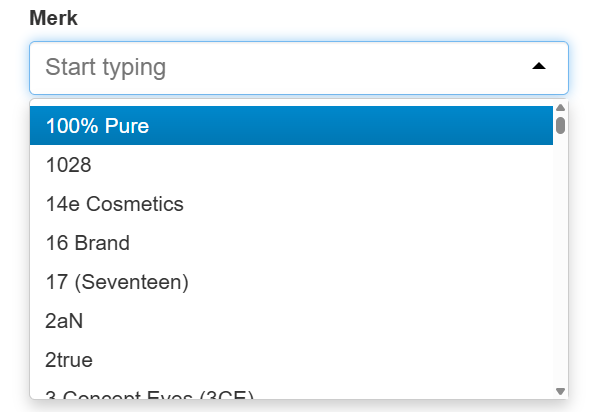
Step 3: Choose Your Brand
Click on the dropdown menu under Brand. A list of different cosmetic brands will appear.
You can scroll through the list or type your brand name in the Start typing field at the top to find it more quickly.
Select the brand of a foundation you currently use or have used before, making sure it is one with a shade that matches your skin tone well.
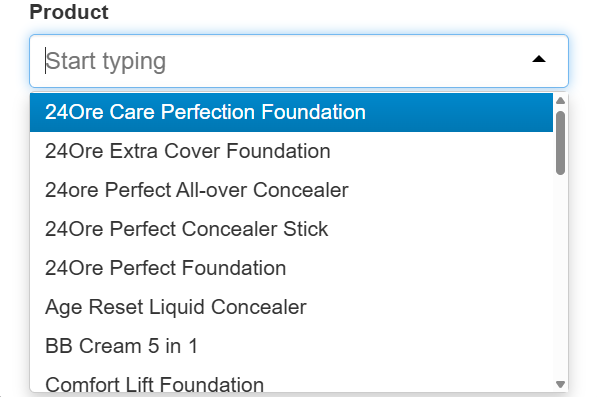
Step 4: Select Your Product
After choosing your brand, click on the dropdown menu under Product.
You'll now see the available foundations and other complexion products from your selected brand.
Scroll through the list or use Start typing to search for your product. Select the exact product you use.
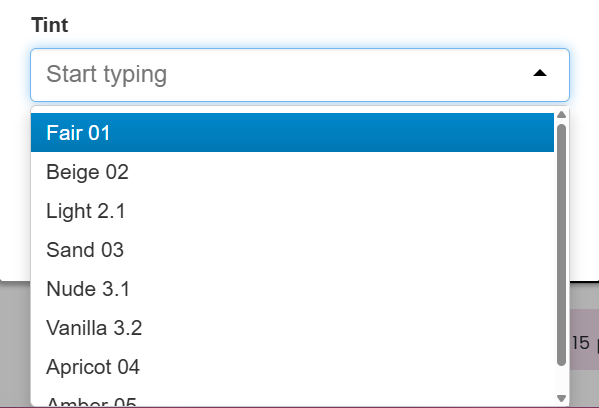
Step 5: Choose Your Shade
Click on the dropdown menu under Shade.
You'll now see the available shade names and shade codes for your selected foundation.
Find the shade you use. You can usually find the shade name or code on the packaging, for example, on the bottom of the bottle.
Select the exact shade to ensure the most accurate match possible.

Step 6: Click on Find my match
Have you selected your brand, product, and shade? Then click the blue Find my match button.
Findation uses the foundation shade you entered to find a similar match within your selected JOAH product.
You'll then see a recommended shade match.
Step 7: View Your JOAH Shade Match
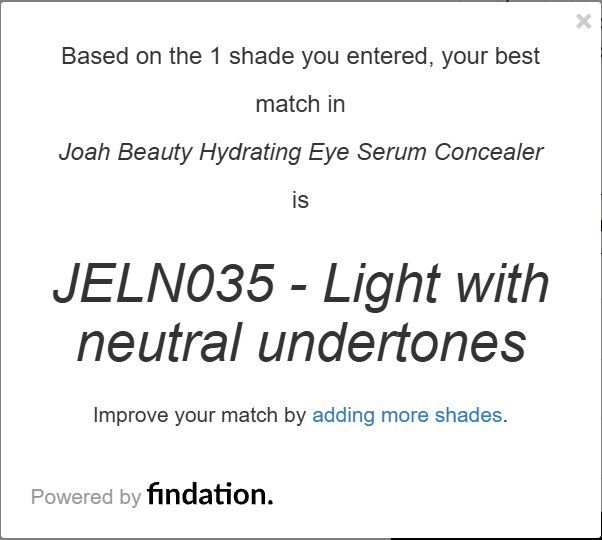
Findation will now show you which JOAH shade best matches the foundation shade you entered.
At the top, you'll see your selected JOAH product, followed by the recommended shade code and shade description.
In this example, Findation recommends the shade JELN035 - Light with neutral undertones for the JOAH Hydrating Eye Serum Concealer. This means a light shade with a neutral undertone.
Keep in mind that this is a digital shade recommendation. The actual shade may look different on your skin.
Step 8: Refine Your Shade Match
Want to refine your shade recommendation further? Click on the blue text adding more shades.
This allows you to enter additional foundations with shades that you know match your skin tone well.
Select the brand, product, and corresponding shade again. Findation uses this additional information to further refine your shade match.
You can also use foundations from different brands for this.
What If You Can't Find Your Brand or Foundation?
Findation has an extensive database of foundation brands, products, and shades. However, it's possible that your brand or foundation may not be listed.
First, check that you've entered the correct brand name. Can't find your foundation? Try another foundation with a shade that you know matches your skin tone well.
Don't have a foundation you can use as a starting point? You can explore the available JOAH shades at the top of this page. Click on the shade swatches to view the different shades.